All projects
VOLT FIT app icon Case Study · Mobile App

VOLT FIT — training, nutrition and coaching in one app

Most fitness apps cover a single piece: workouts, or food, or a WhatsApp chat with your coach — and almost none are built for Arabic-speaking users. I designed and built VOLT FIT end-to-end to bring all of it into one place. It is live on Google Play.
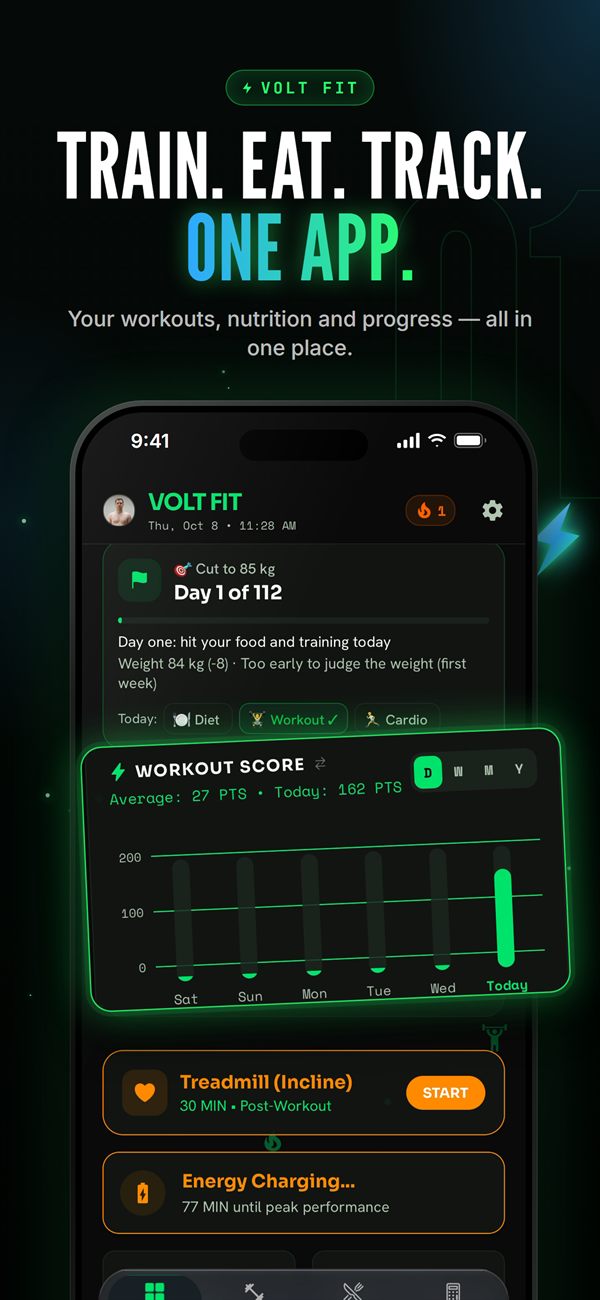
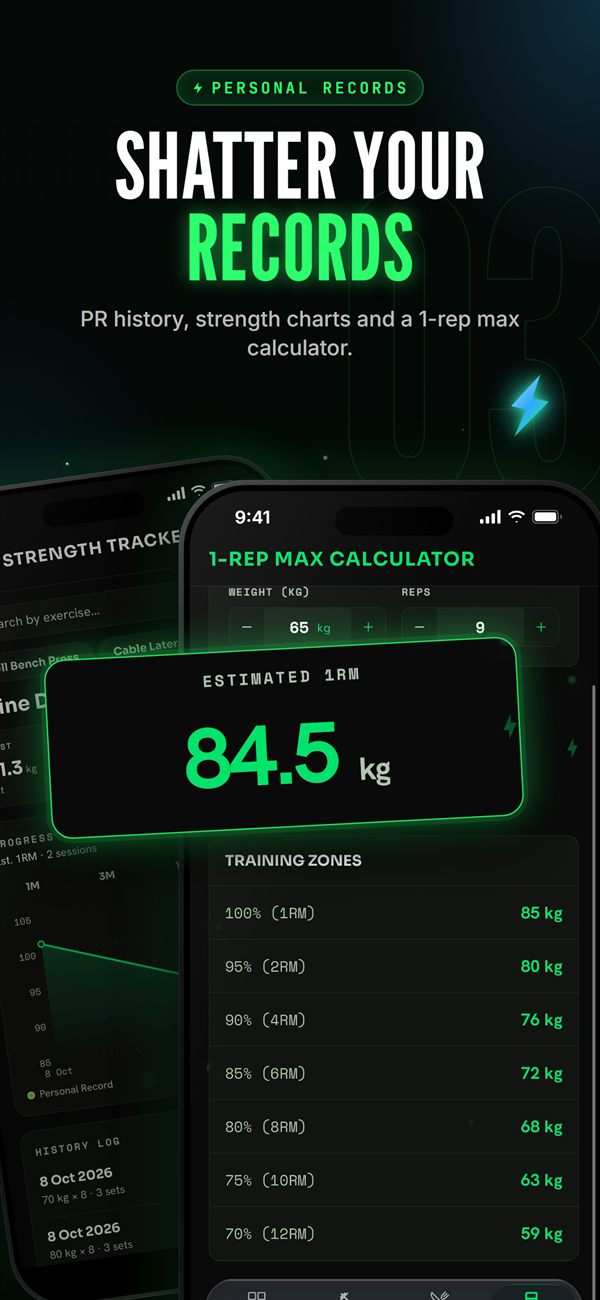
VOLT FIT home dashboard VOLT FIT personal records and 1RM calculator
My role Sole engineer — product to release
Platform Android · Google Play
Stack React Native · Expo · Zustand · Firebase · Kotlin
Languages English & Arabic (full RTL)

The Problem

People who train seriously end up juggling several apps: one to log workouts, another to count calories, and WhatsApp to talk to their coach. Nothing connects, and most of these apps treat Arabic as an afterthought.

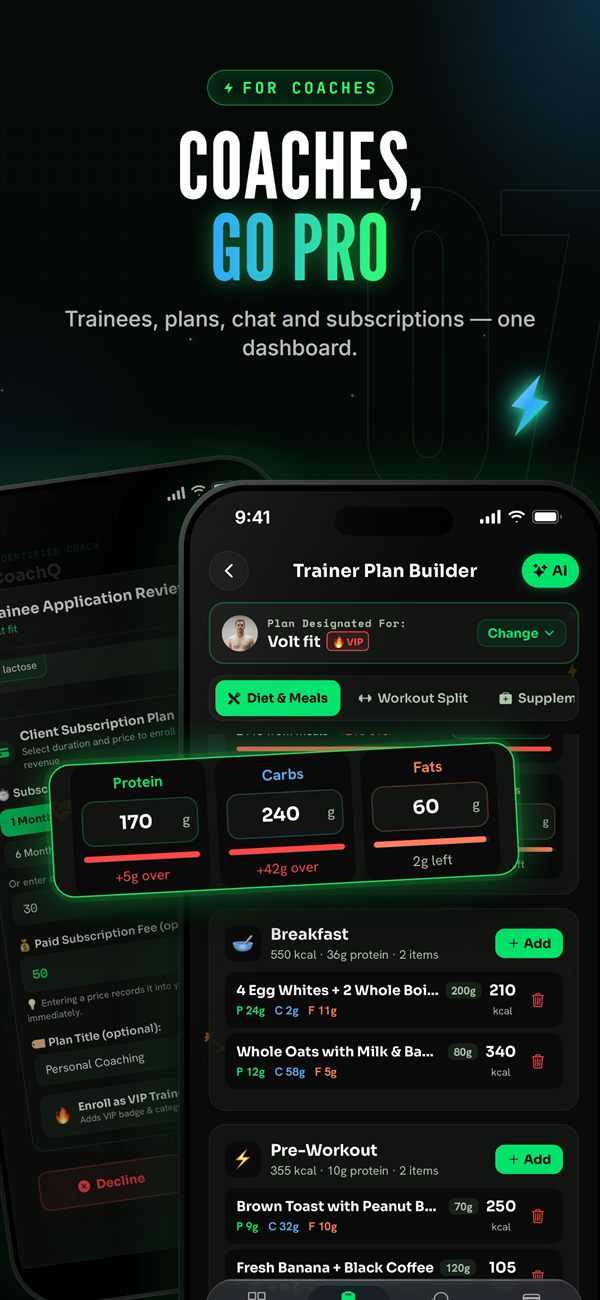
VOLT FIT puts it all in one place: AI-generated training and diet plans, macro and vitamin tracking backed by real USDA food data, a rest timer between sets, and a coach dashboard to follow trainees and talk to them. It also ships features made specifically for the region — full Arabic and RTL support, a Ramadan mode that moves meals to fasting hours, and prayer-time awareness so reminders never land during prayer.

What It Does

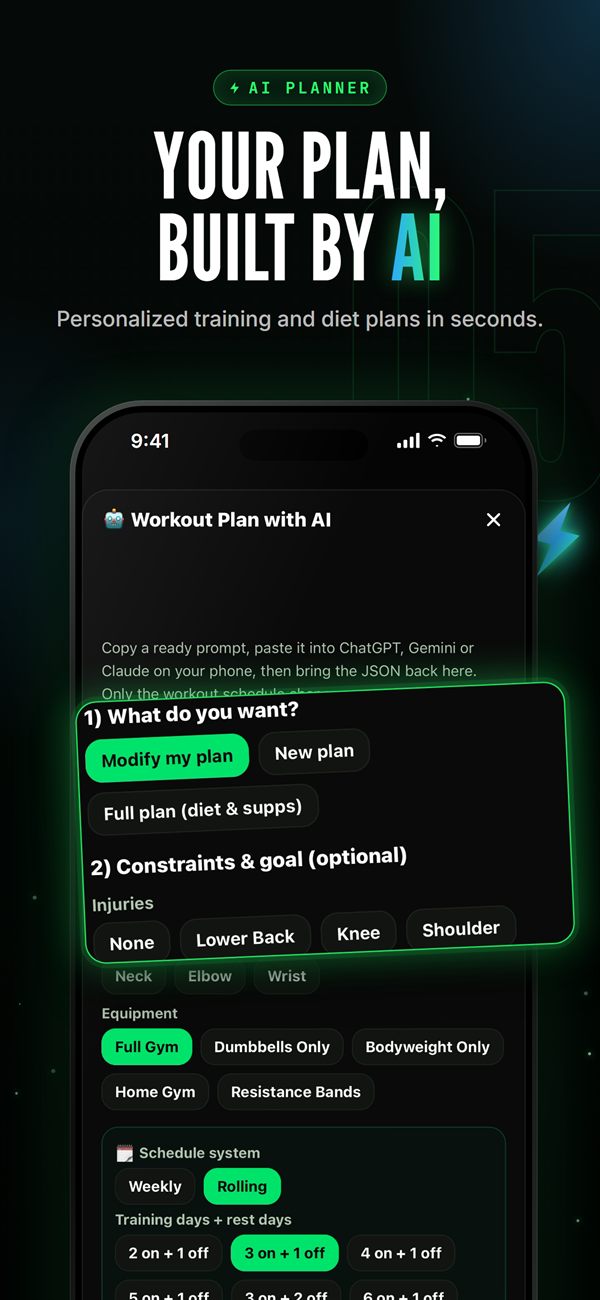
AI Plans

  • Personalized training & diet plans in seconds
  • Constraints, injuries, equipment and schedule

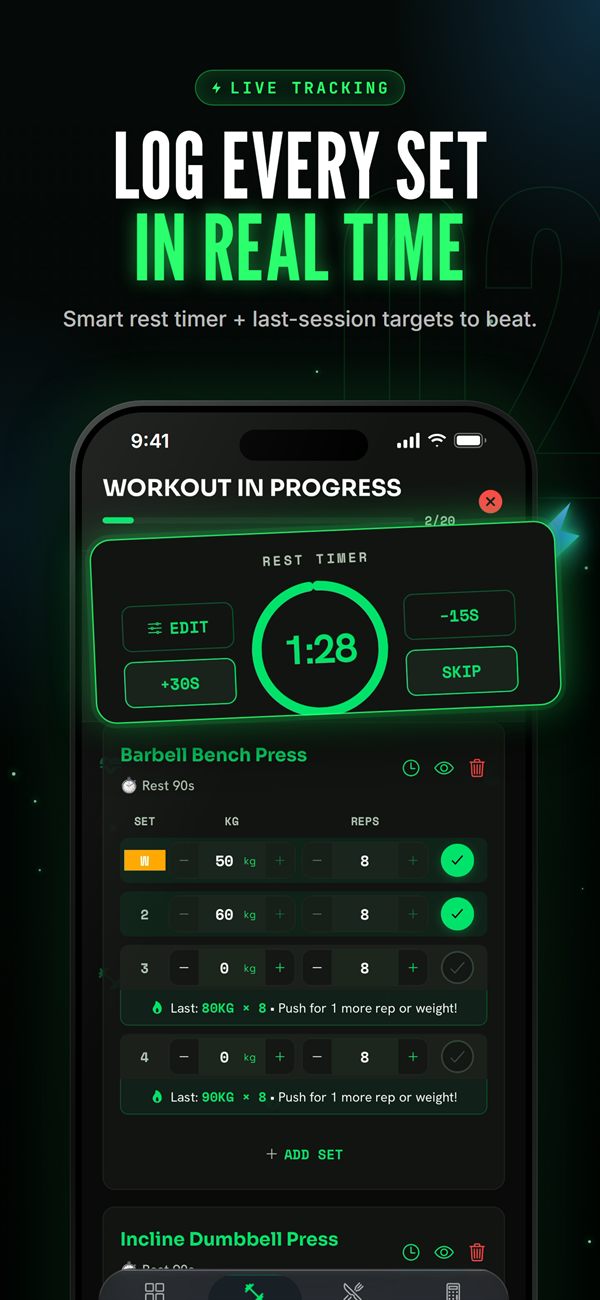
Live Workout Tracking

  • Smart rest timer that rings even when the app is closed
  • PR history, strength charts and 1RM calculator

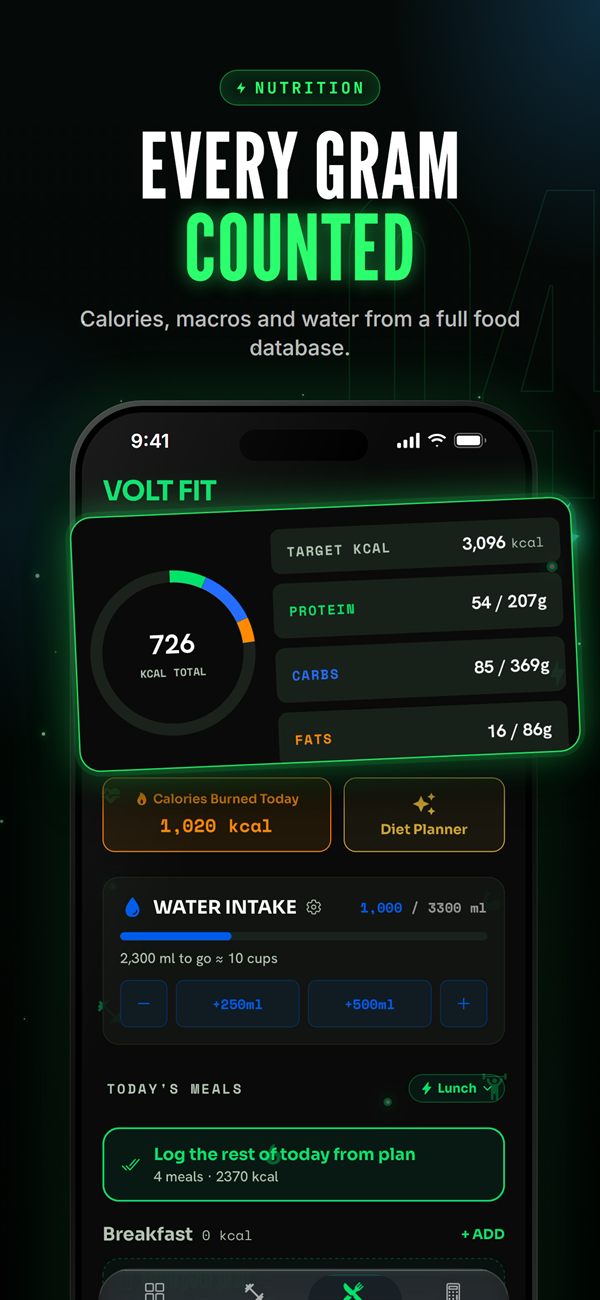
Nutrition

  • Calories, macros and vitamins from real USDA data
  • Water intake and daily meal planning

Coach Dashboard

  • Trainees, plans, chat and subscriptions in one place
  • Encrypted coach–trainee messaging

Built for the Region

  • Full Arabic & RTL interface
  • Ramadan mode and prayer-time–aware reminders

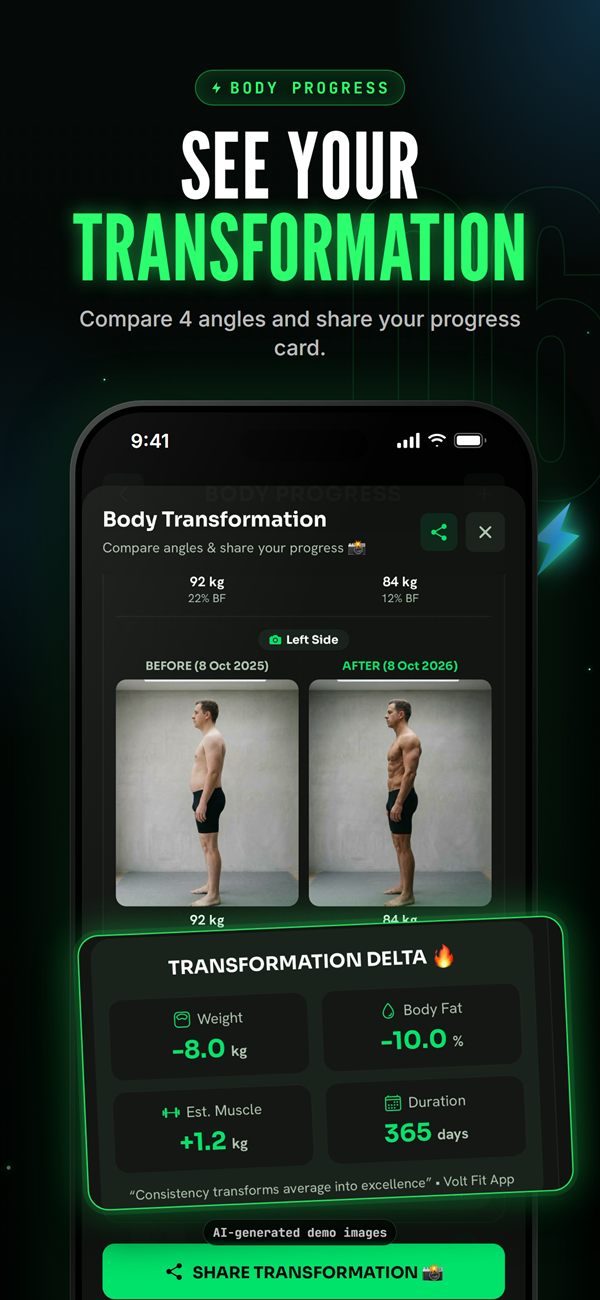
Progress & Personalization

  • Body transformation from 4 angles with a shareable card
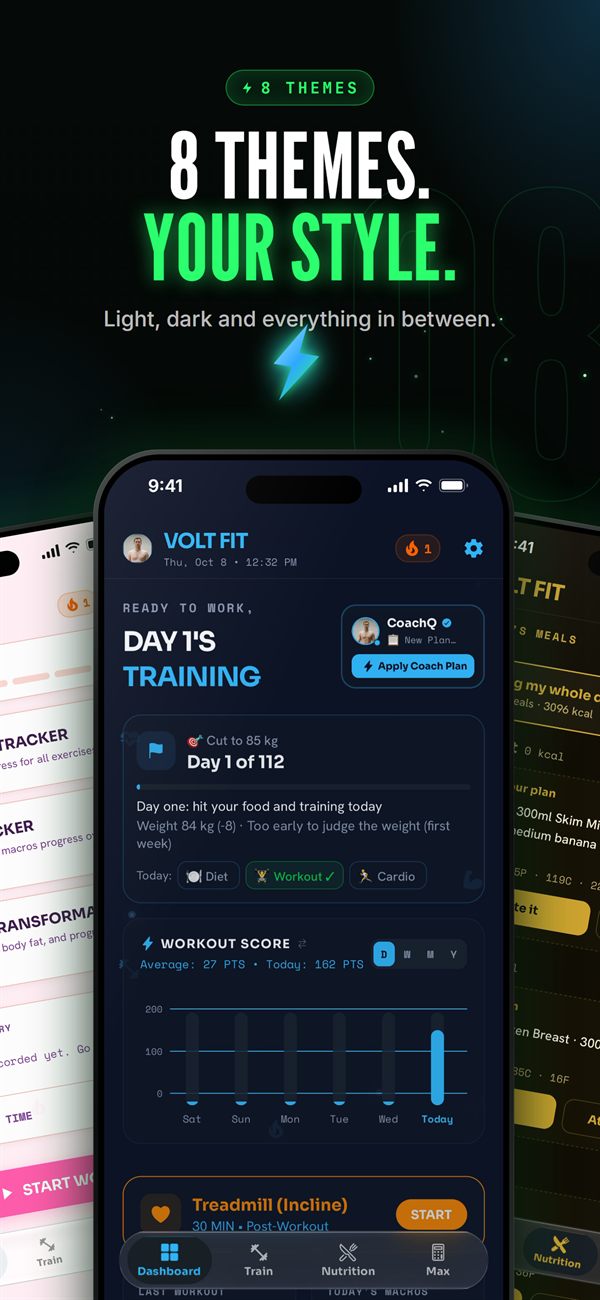
  • 8 themes, from light to dark

The Screens

Local-First Architecture

On the Device

Every change is saved locally first (Zustand + device storage). The app works fully offline.

Sync Queue

Changed keys go to pendingSyncKeys, then upload once after a debounce. Large lists are split into hashed chunks.

Firebase

Firestore stores the data. Chat runs over short REST requests and new messages arrive by push notification.

Only the chunks whose hash changed are uploaded — the app stays fast offline and Firestore writes stay low.

Engineering Challenges

Real-time chat on Firebase's free plan

Problem

Chat and sync had to work reliably on the free Firebase plan, which allows only 100 simultaneous open connections. A typical WebSocket-style chat would hit that ceiling fast.

Solution

I replaced long-lived connections with short REST requests for sending, receiving and delivery receipts. New messages reach the user through push notifications — so connections are never held open.

Local-first sync with minimal writes

Problem

Users log sets and meals constantly, often with a weak connection. Writing every change straight to Firestore would be slow offline and expensive in writes.

Solution

Each change is saved on the device first and marked in a pendingSyncKeys list, then uploaded to the cloud in one batch after a debounce. Large lists like the food log are split into chunks, each with its own hash, so only the chunk that changed is uploaded. This cut Firestore writes dramatically.

A rest timer that always rings

Problem

The rest timer between sets must ring even when the app is closed or the screen is locked — which a JavaScript timer can't guarantee on Android.

Solution

I wrote a native Android foreground service in Kotlin that keeps the timer alive and rings on time, bridged to the React Native app.